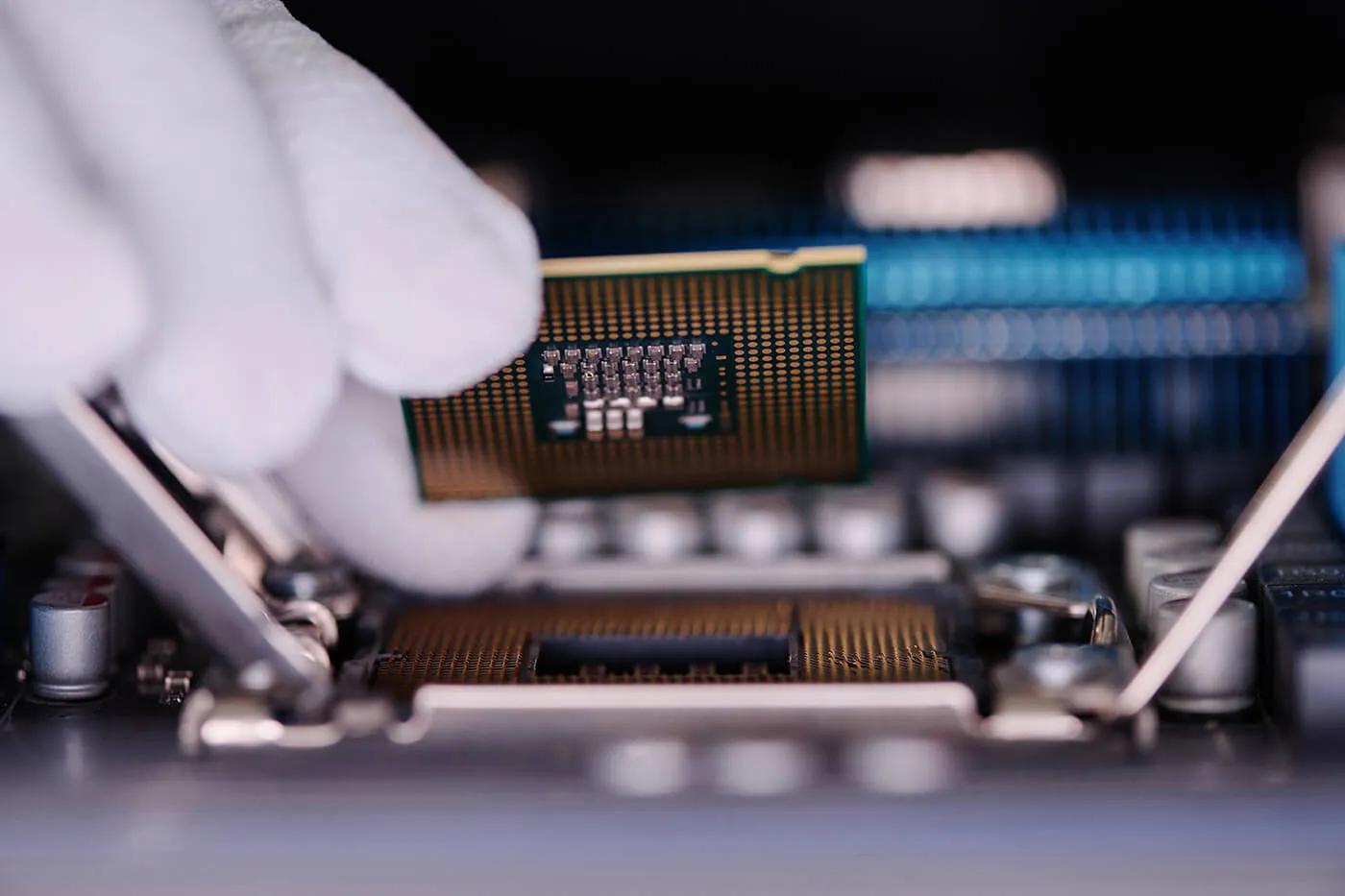
Give your computer faster storage and keep the files that matter.
SSD upgrades for compatible desktops and laptops, with drive-health checks, an agreed transfer plan, fitting and testing. Arrange collection or a suitable on-site upgrade across our local service areas.
Turnaround
Quoted after compatibility and drive-health checks
How we help
Collection & Return · By Appointment · Selected On-Site Upgrades
Peace of mind
Written quote first · 90-day warranty
Fixed quote upfront
Written price before any paid work starts
Files backed up first
Photos and documents copied before repairs
90-day repair cover
Parts and labour protected on every repair
Direct local technician
No call centres or confusing tech jargon
What ssd upgrades & data migration covers.
Select any item below to jump straight to booking with that fault pre-filled.
Choose the right drive
We check the computer model, available connections, capacity needs and whether storage can be replaced before recommending a SATA or NVMe SSD.
Agree what needs moving
Documents, photos and other readable files are identified first. Cloning is considered where the source disk and operating system are suitable.
Fit and configure the SSD
The agreed drive is fitted and configured. A clean installation may be preferable to cloning a damaged or unreliable Windows setup.
Check startup and your files
We check that the computer starts from the new drive and verify agreed files with you. Application reinstalls and licence requirements are explained upfront.
Upgrade the storage, not necessarily the whole computer
An older hard drive can make startup and opening applications slow, but storage is not the only possible bottleneck. We check the machine before recommending an upgrade: insufficient memory, overheating or a software fault may need attention too.
Tell us how you use the computer and how much space your files occupy. The aim is a compatible upgrade with enough capacity, rather than selling the largest drive available.
Choose cloning or a clean installation deliberately
Cloning and copying files are different jobs. A clone transfers a readable installation; a clean setup starts with a fresh operating system and then restores the agreed files. Neither approach makes incompatible software or missing licences disappear.
If you are moving to another computer rather than changing its drive, see new computer setup and data transfer. For memory, graphics or power-supply work, see hardware replacement.
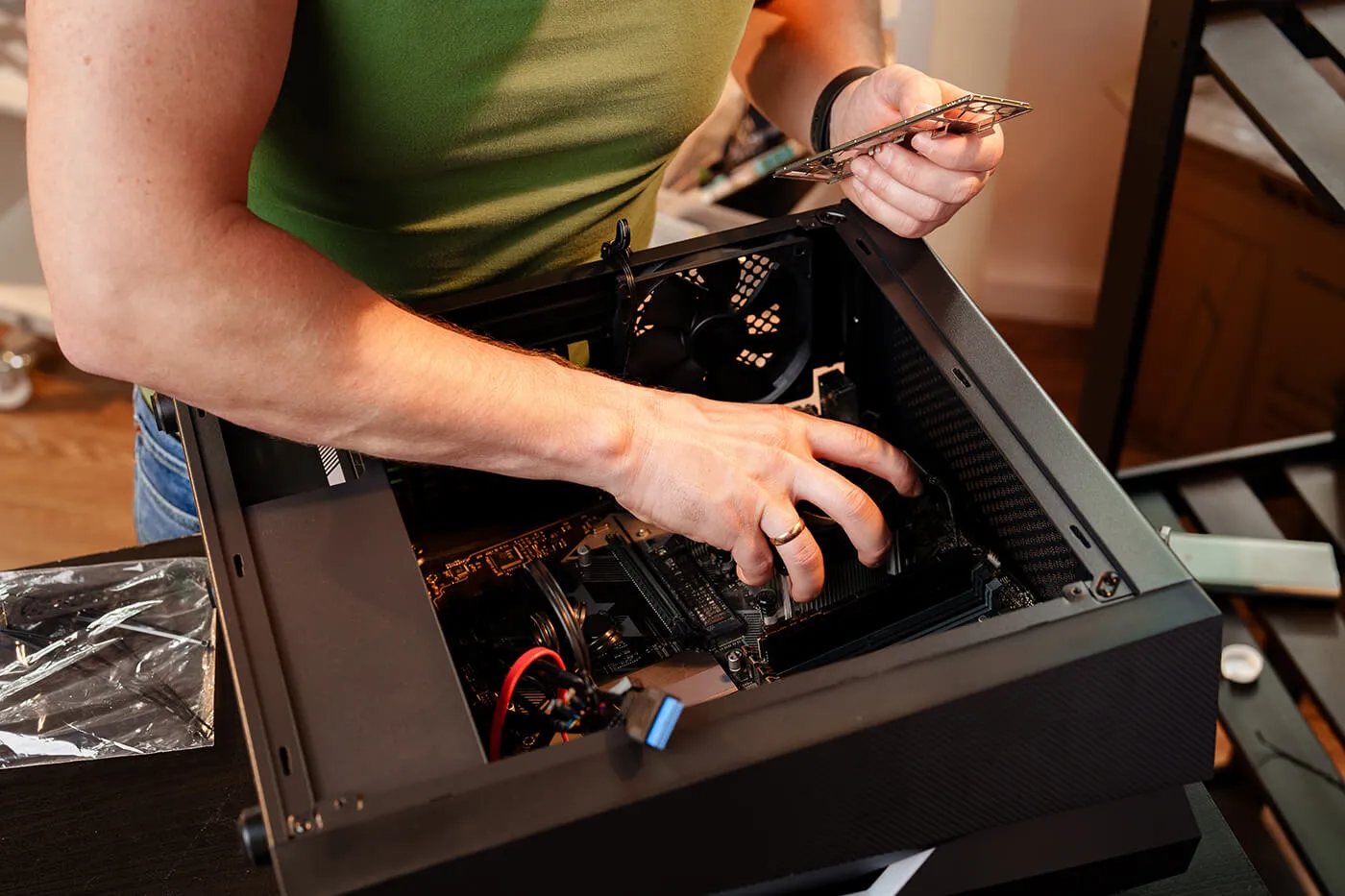
Our repair process.
Clear steps from first check to handover, with your files protected at every stage.
Tell us the model
Send the make, model, current storage size if known, and whether the computer still starts.
Check and quote
We assess compatibility and source-drive health, then quote for parts, labour and the agreed migration.
Fit and transfer
We install the SSD and transfer data using the agreed method. Unreadable storage is discussed before proceeding.
Verify the result
Startup, storage recognition and agreed files are checked before handover.
Questions about ssd upgrades & data migration.
Clear terms on turnaround, data safety, and pricing. For specific enquiries, email sales@digidoctors.co.uk .
Can every laptop have an SSD upgrade?
No. Some machines have soldered storage or other limitations. We check the exact model and upgrade options before quoting.
Will my programs move to the new SSD?
A successful clone can retain an existing installation, but not every system is suitable. A clean install requires applications to be reinstalled and may require your licences.
Can you clone a clicking or failing drive?
A failing or unreadable drive needs assessment first. A routine SSD upgrade is not a guarantee of data recovery; we discuss the safest next step before attempting a transfer.
How much does an SSD upgrade cost?
The quote depends on the compatible drive, capacity, fitting work and transfer method. Parts and labour are agreed before paid work begins.
Related services
Hardware Replacement
Replacing faulty parts or speeding up an older PC with faster storage, extra memory, or a new power supply.
New Computer Setup & Data Transfer
New PC or laptop setup, file migration, email, printers and backup configuration with a clear handover.
PC Tune-Up
Speeding up slow computers, clearing out junk programs, dust cleaning, and full health checks.
Tell us what you need help with.
Send your device model, postcode and a brief description. We will confirm suitability, next steps and a quote before paid work begins.